Overview
Procedural Vines
Items
UI Work
- Vines
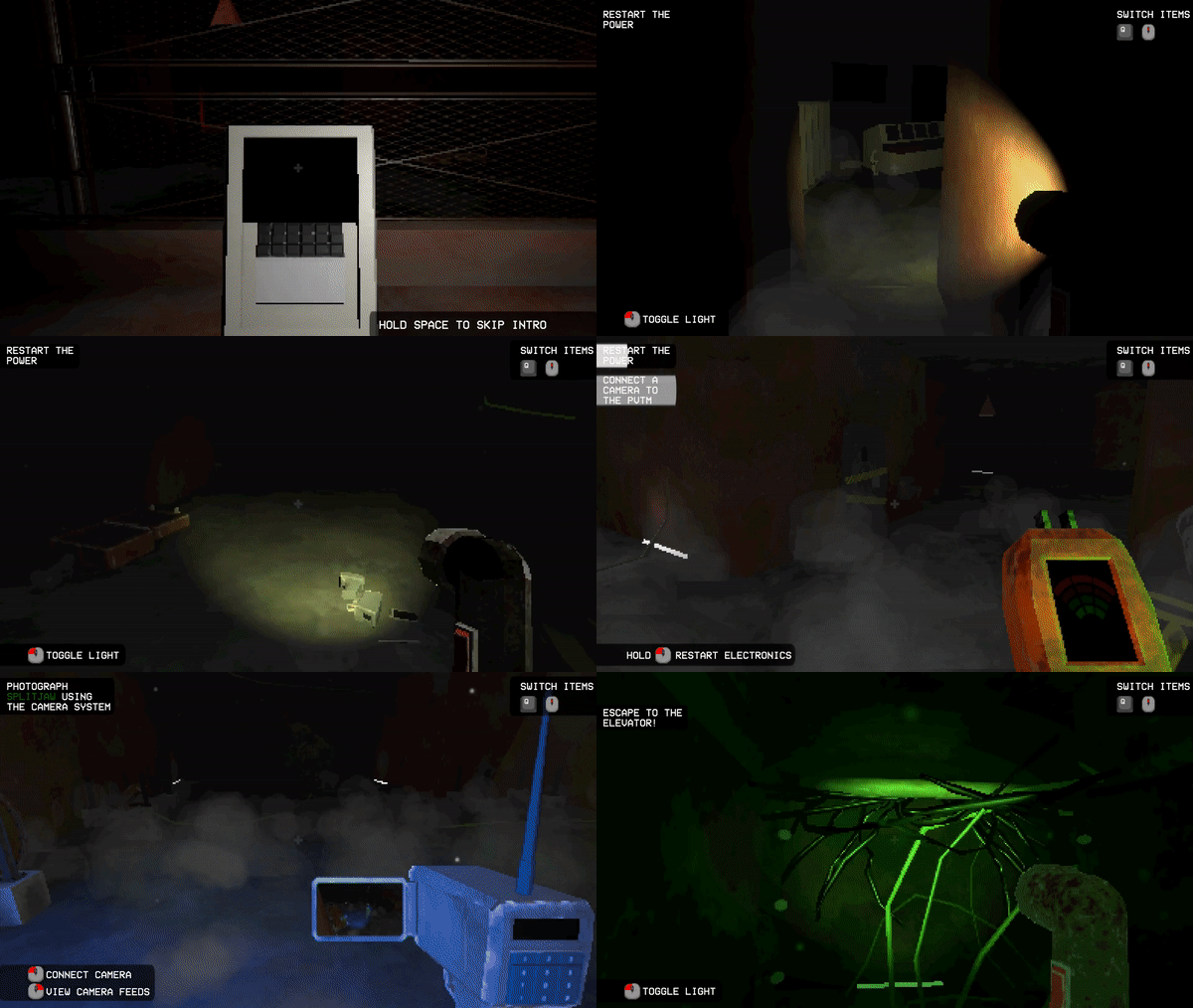
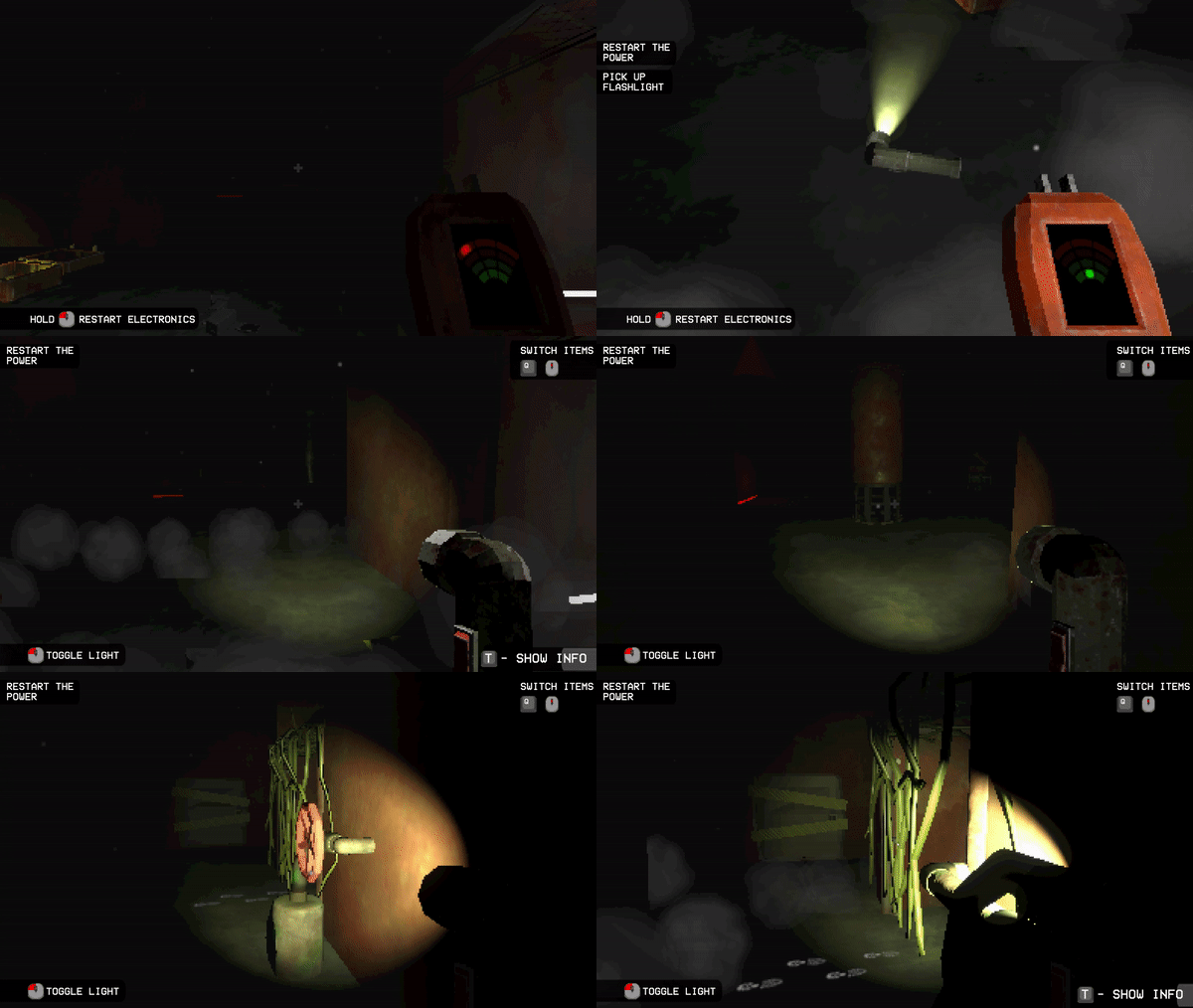
I created a variety of procedurally generated vines to fill various aesthetic and gameplay needs. - Items
I inherited the Item code and extended it to add a few new items and capabilities. - UI
Taking on a more technical artist role, I animated, rigged, and styled the in-game menu and UI.
- What do vines need to do?
Our design required vines that could grow and wither across a procedurally generated map. I quickly made a shader that used alpha clipping and offset to animate the vines, but finding surfaces was more difficult. I tried several approaches. - Cloth?
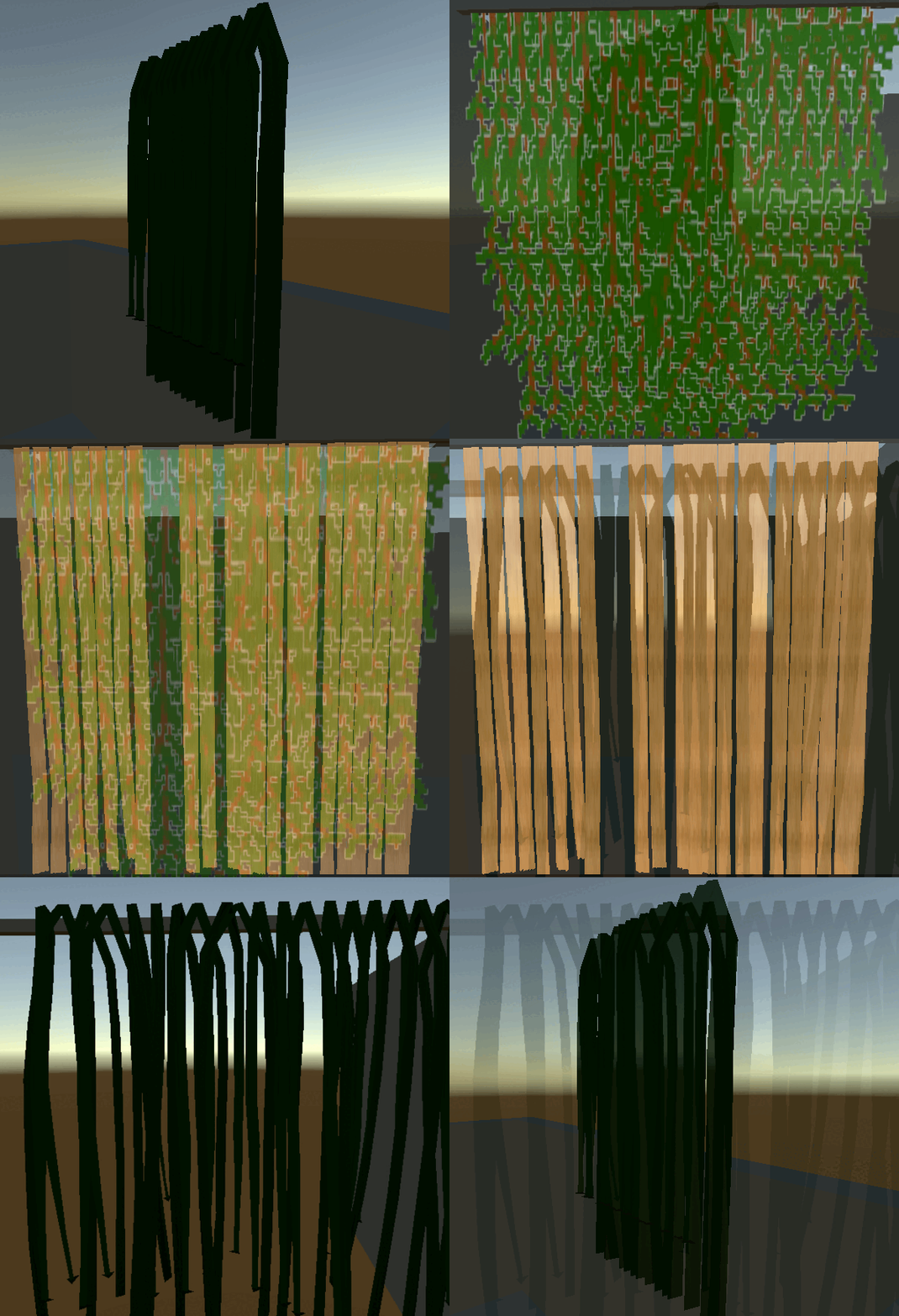
The easiest solution - Make a bunch of vine shaped objects and use Unity's cloth physics to provide a semblance of life. Easy to implement, but with lackluster results. - Raycasting?
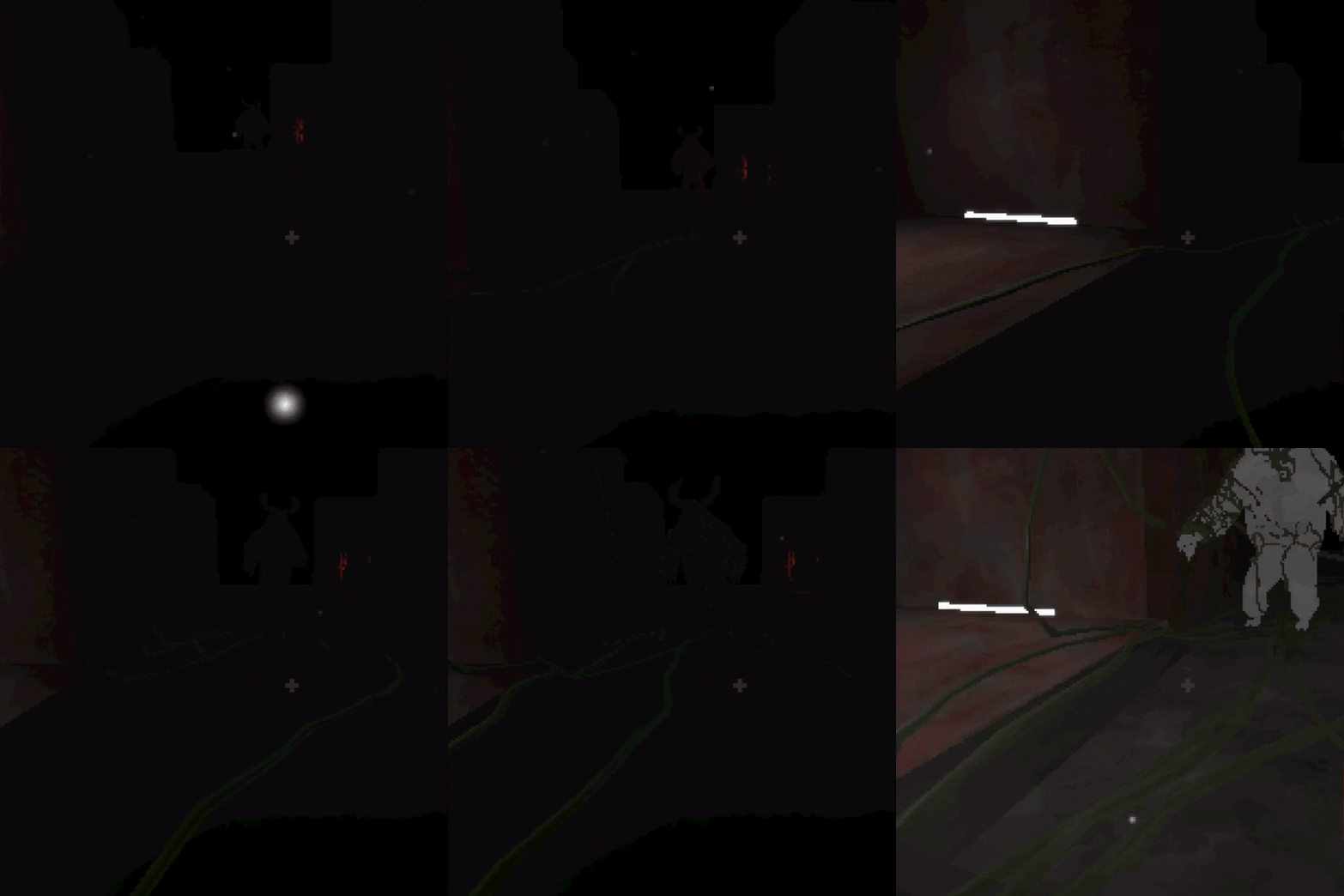
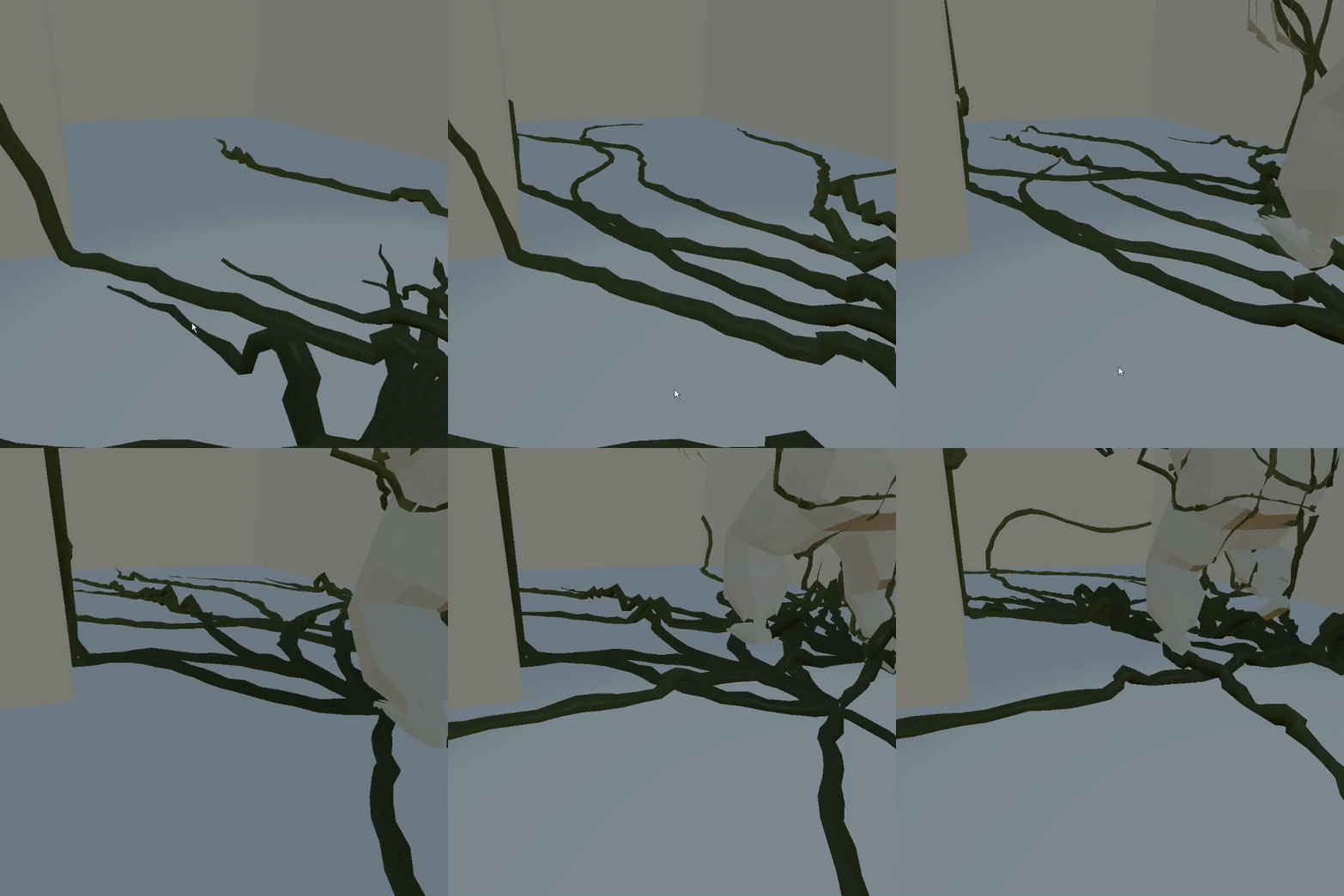
A solution initially provided by the internet. I heavily adapted the code I was following to make it much more modular, allowing a variety of vine characteristics to be generated by one script. I also had to custom re-make the shader, as the original shader was incompatible with URP. This creates beautiful vines, but with a hefty performance cost. - Marching Cubes?
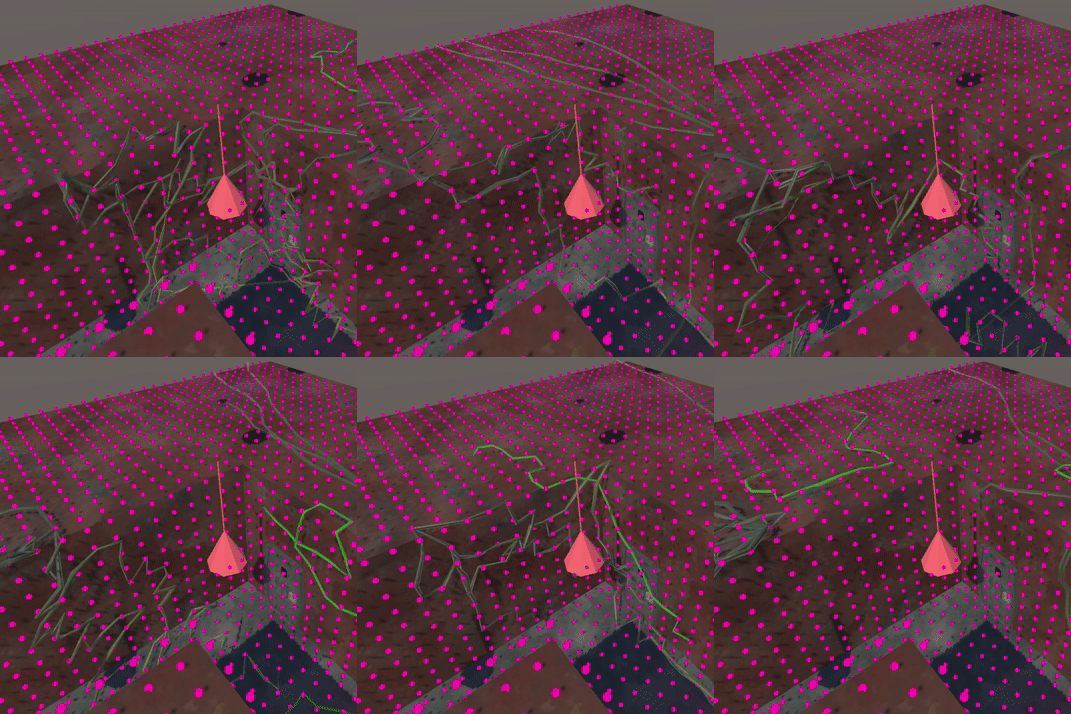
An original concept, made as a response to the performance issues in the raycast vines. The algorithm generates a cubic graph and then eliminates first any point contained within a terrain collider, then any point still connected in all directions. Vines are then generated by traversing the remaining graph. It's highly efficient, but the vines are very angular. - Crawler Vines
This is the current solution. I reworked the original raycasting solution to generate vines one node at a time, instead of all at once. This improves performance, and allows the vines to wander around the map like snakes. This also allows the generation load to be spread across more ticks, reducing overall performance spike issues. - Smart Vines
By layering a state machine on top of the Crawler Vines they are granted a semblance of intelligence. These vines can seek out the player, detect their presence, and report back to the monster.
- Technical Debt
I inherited the item code from another team member when they moved on from the project. Before I could work on creating new items I first had to learn how the existing code works, and I cleaned up a few warnings related to instantiation. - Scanner
We found that players felt a lack of direction while playing. While the players were given an orientation at the beginning of the game, they still felt lost. So how do you give the player hints about where to go, without trivializing the maze aspect of the game? My solution was to give approximate distance and direction to places of interest, but not reveal what the location was. - Shield
To highlight the scariness of the monster we wanted to allow the player a non-fatal encounter with it, but struggled with how to avoid undermining the perceived lethality. I came up with a single use deployable shield as the solution. - Beacon
Building on the success of the scanner, this lets the player create a scanner location. - Chirper
The final task of the game is to get a picture of the monster using the CCTV cameras in fixed locations about the map. However, the players had a very difficult time luring the monster past one without getting killed. This attempts to combat this by giving a low priority investigation target for the monster.
- Outlines
Players were struggling to find interactables, so as a temporary solution I made a script to change the material of the object when the player looks at it. By changing it to a secondary material with a custom shader it became its final form as the outline seen in the game. - Pause Menu
One of the most difficult aspects of the pause menu was making it function as a prefab, despite its need to reference various external scripts and gameobjects. - Item Wheel
I created both the sprite and code for this, and players have the option to either specifically select any item, or to rotate through them. - HUD
I styled and animated the existing UI elements, and added some new ones.
Static Vines
The most basic strategy, using Unity's cloth. Creates somewhat lackluster vines that hang limply and are mostly suitable for draping across the facility.
Raycasting
Each vine raycasts in a sweep to find the next point on the surface. This technique is excellent at following any surface, but suffers from performance issues with many vines.
Marching Cubes
This method front loads the surface finding, using an algorithm inspired by marching cubes to eliminate points from a matrix leaving only the surface of the map. Vines are highly efficient, but tend to be angular.
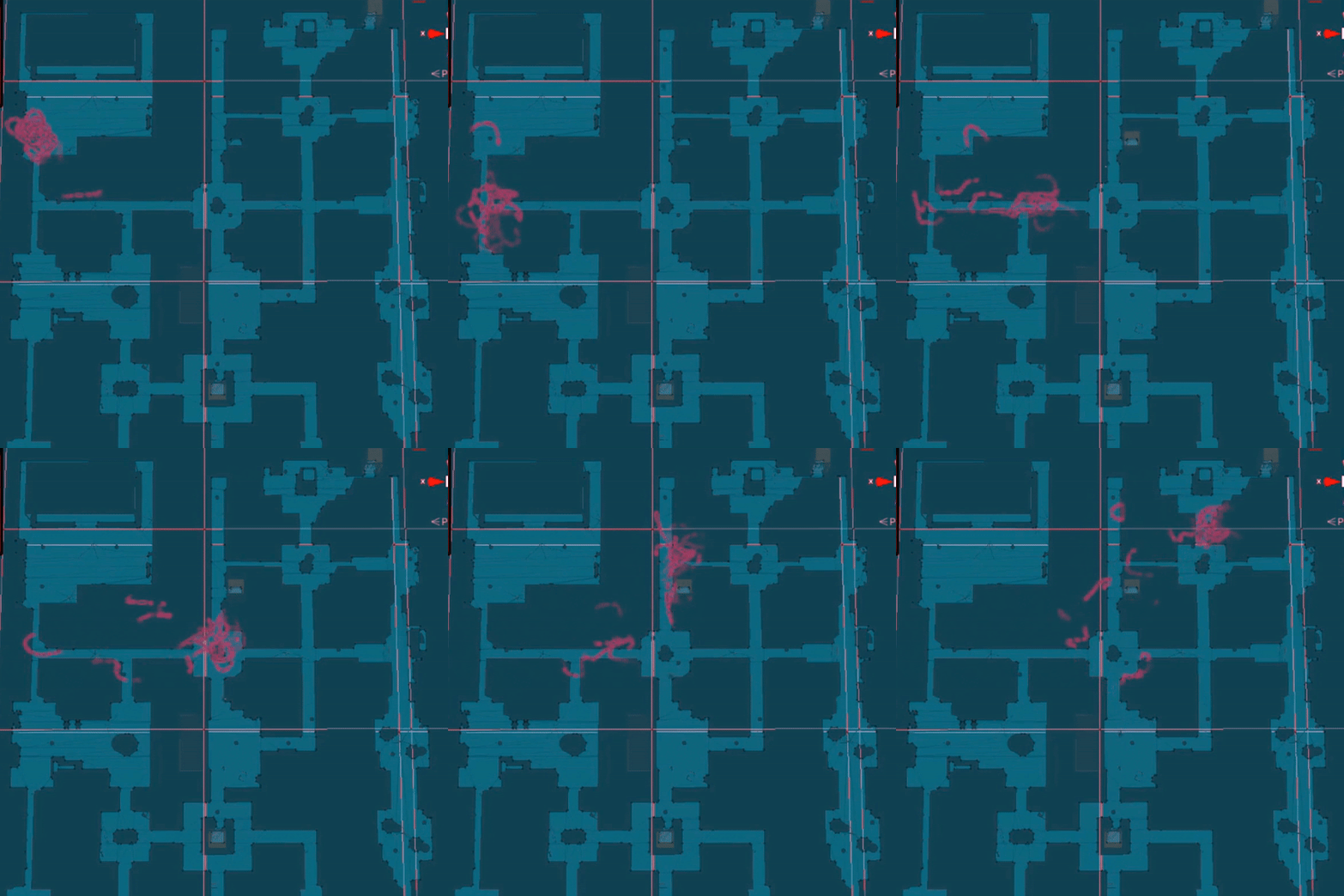
Crawlers
Combines the appealing aesthetic of the raycast vines with a more performance friendly generation pattern. Each new node is only generated as needed, and the vines are spawned with a tick offset to spread the load out.
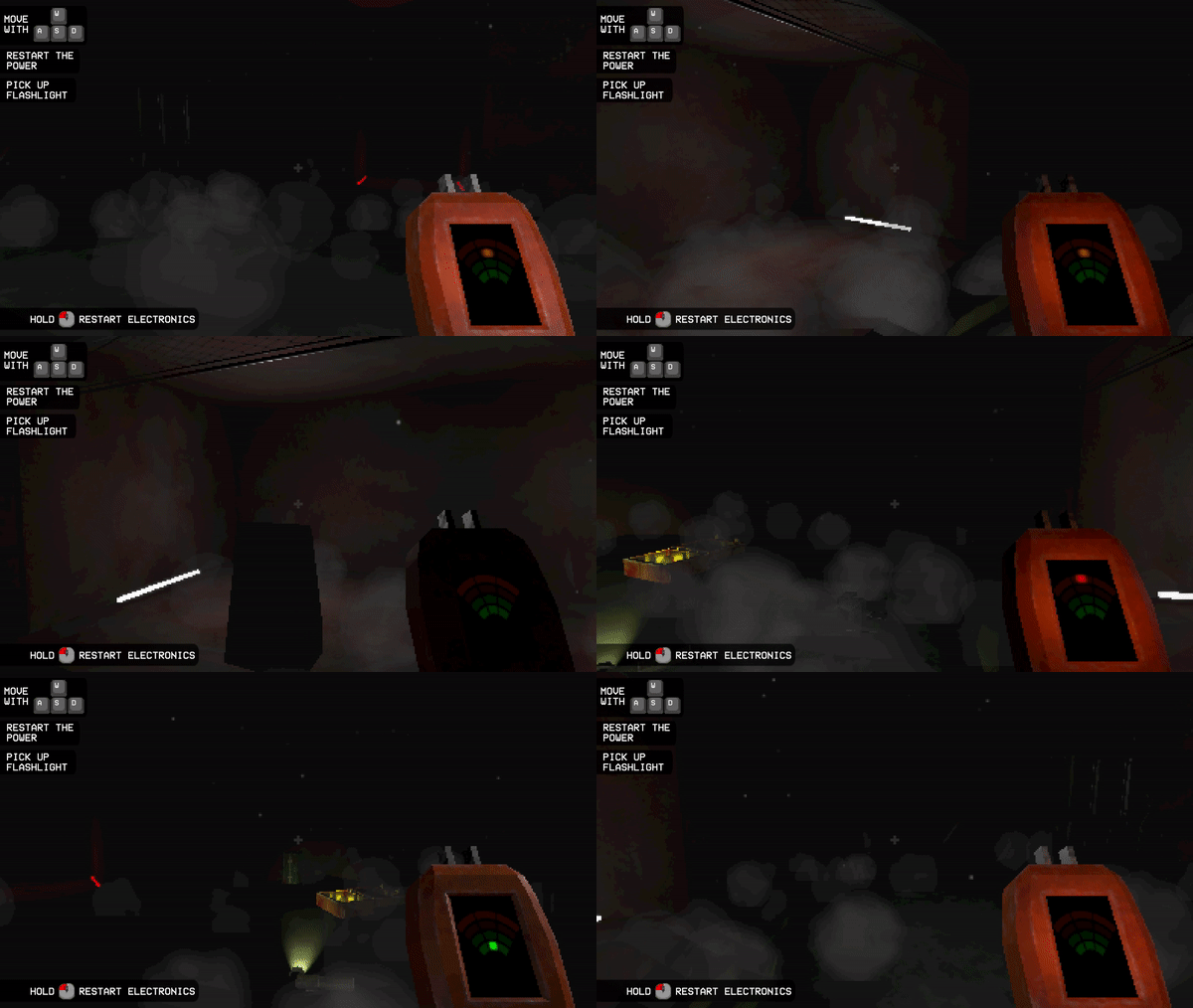
Scanner
Originally a separate item, but reworked as part of the electrical tools
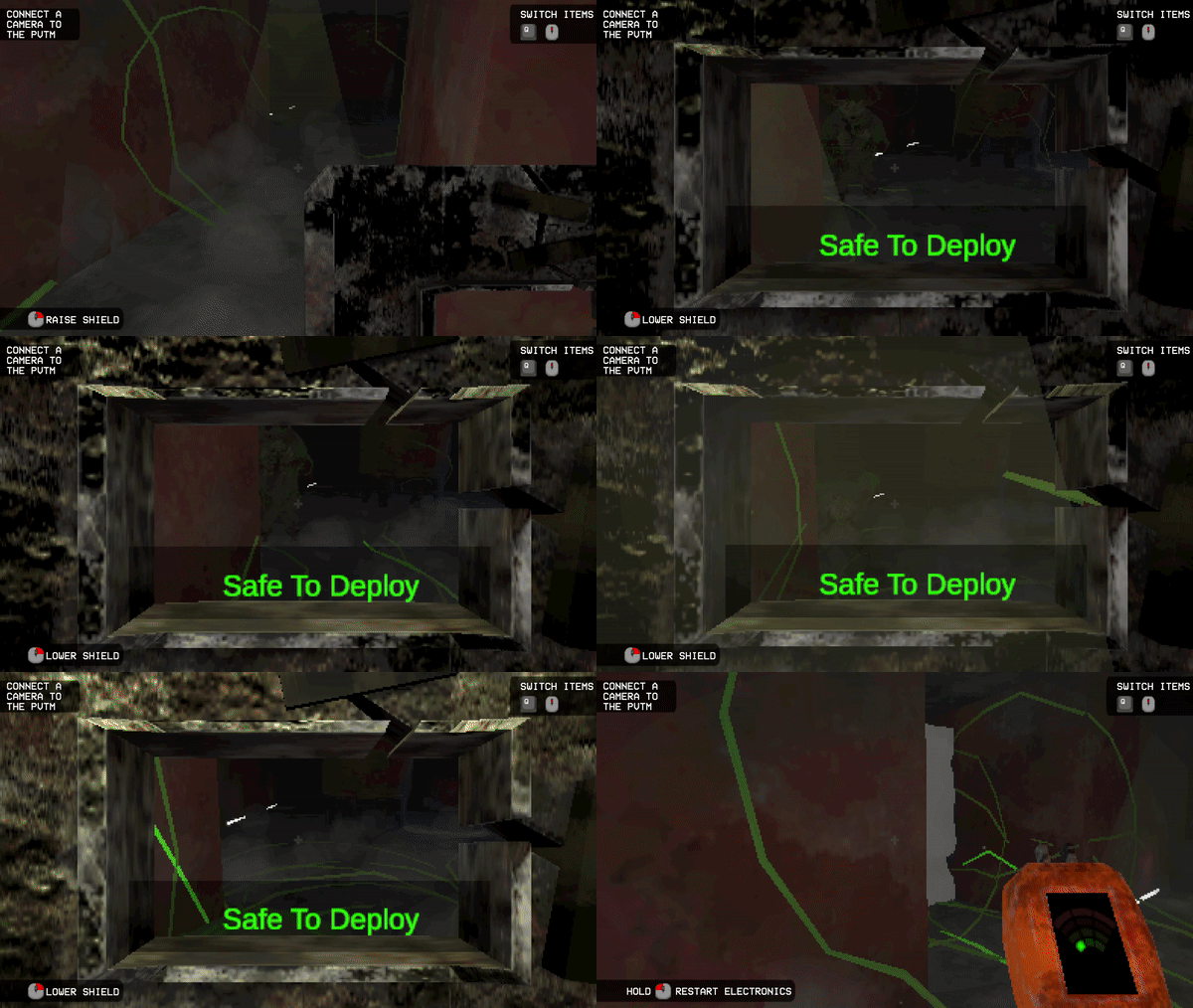
Shield
I made the deployed wall expand to fill the space, blocking off the corridor without clipping into the walls.
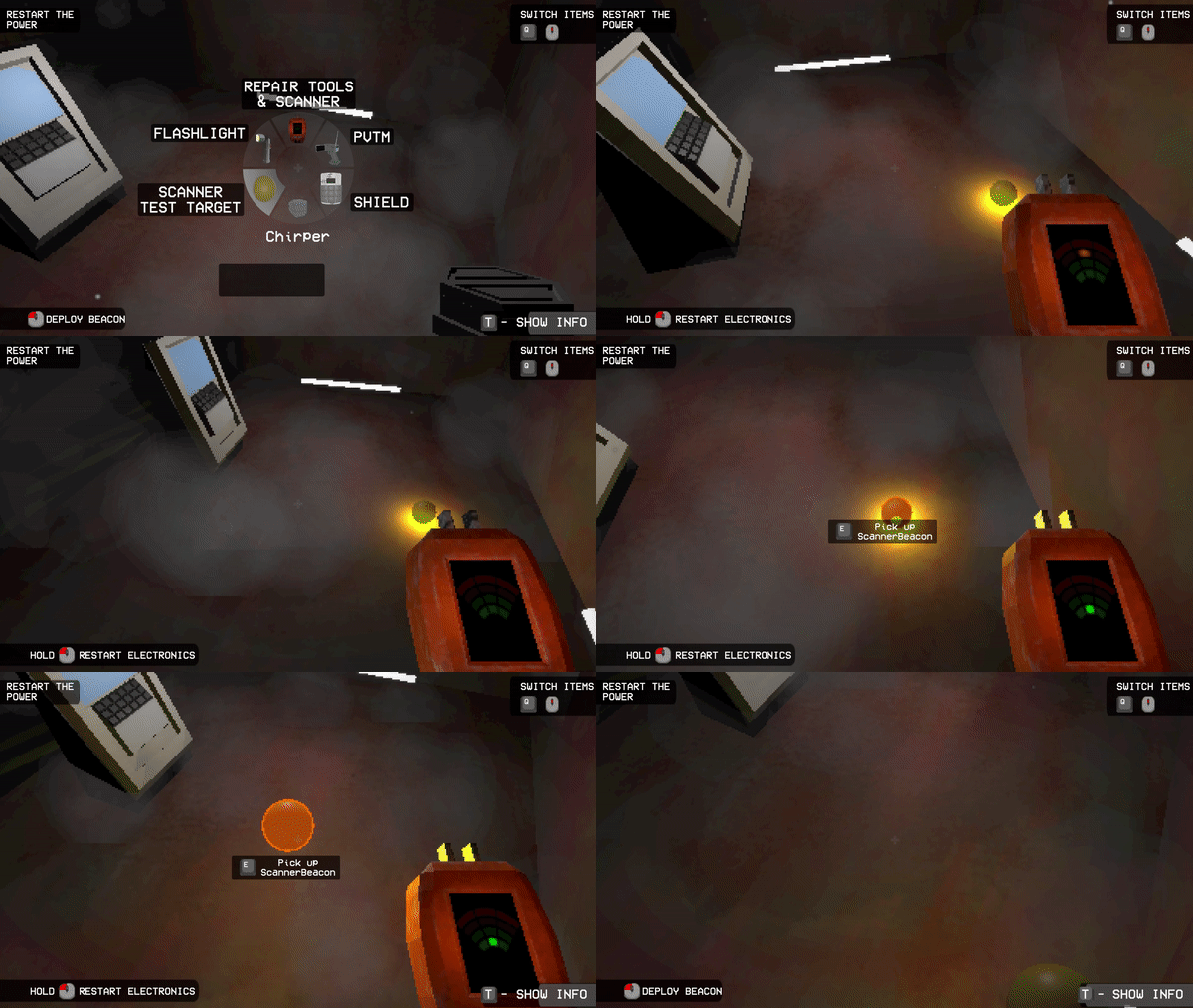
Beacon
Beep... Beep... Beep...
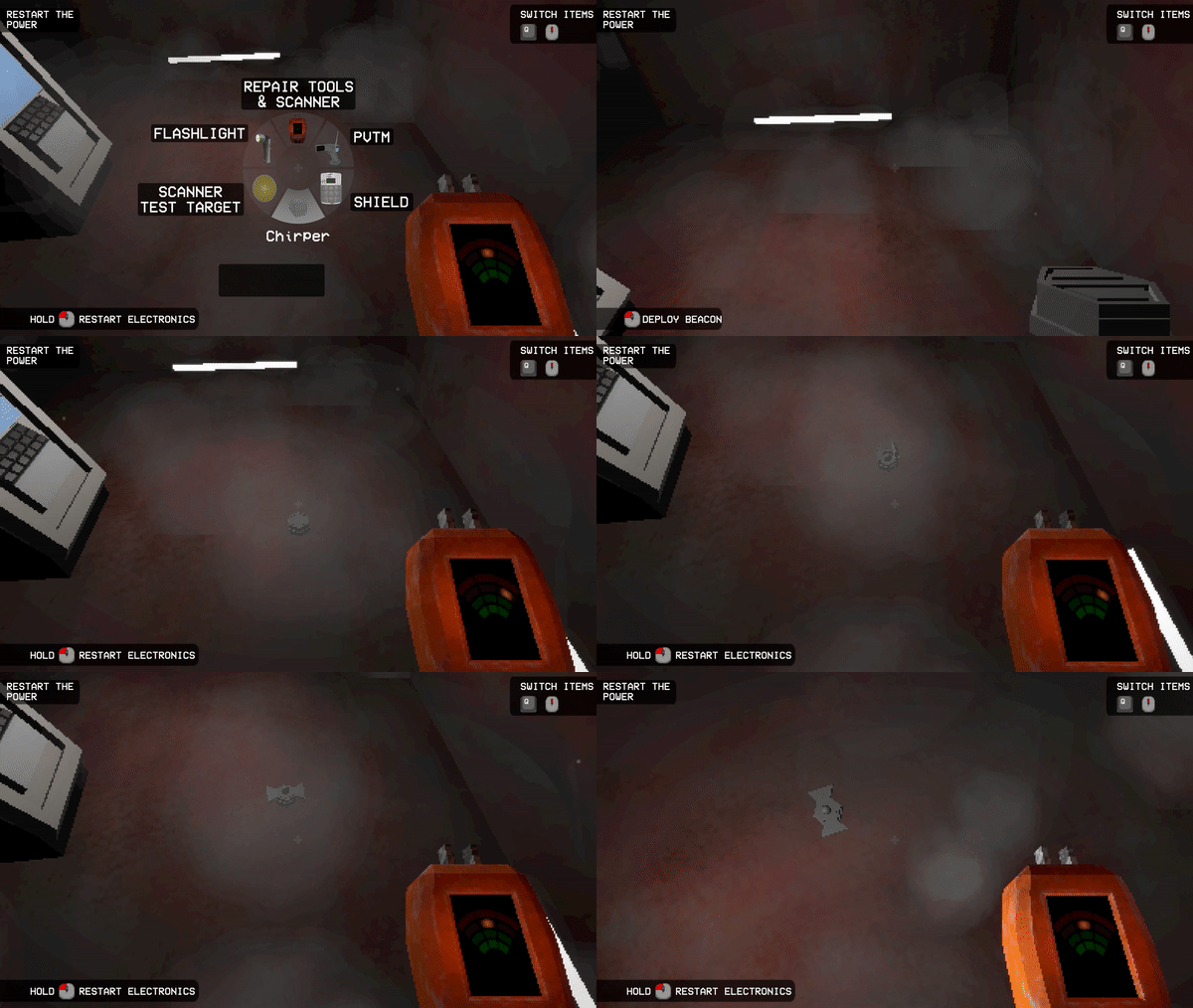
Chirper
Makes noise!
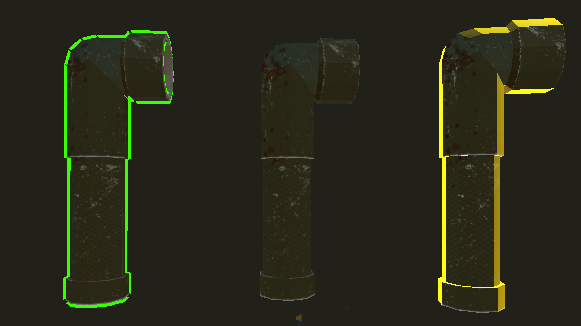
Outlines
A more aesthetic replacement for making the entire item change to a solid color.
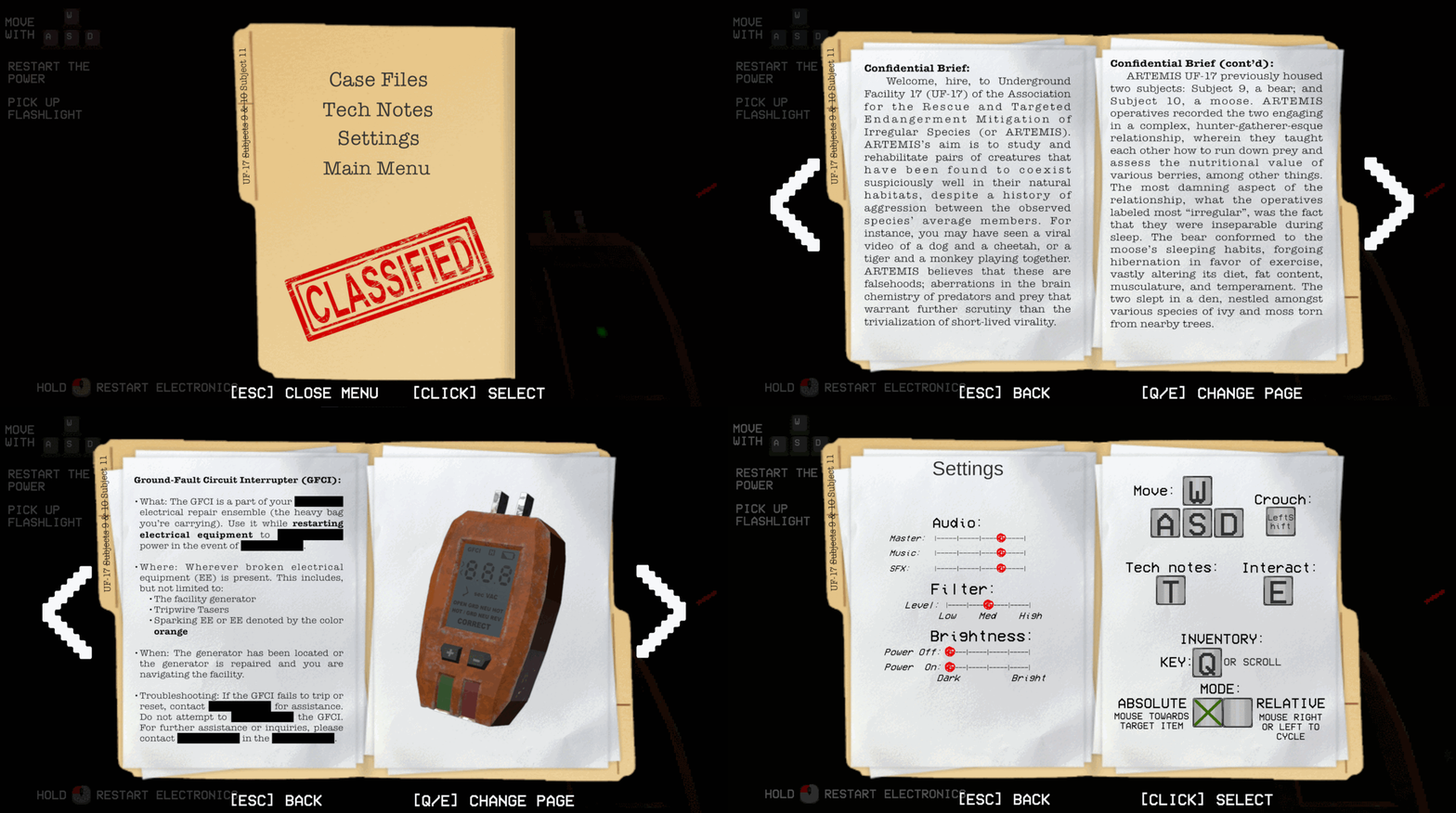
Pause Menu
Replaced a very temporary gray box. Not my design, by my implementation
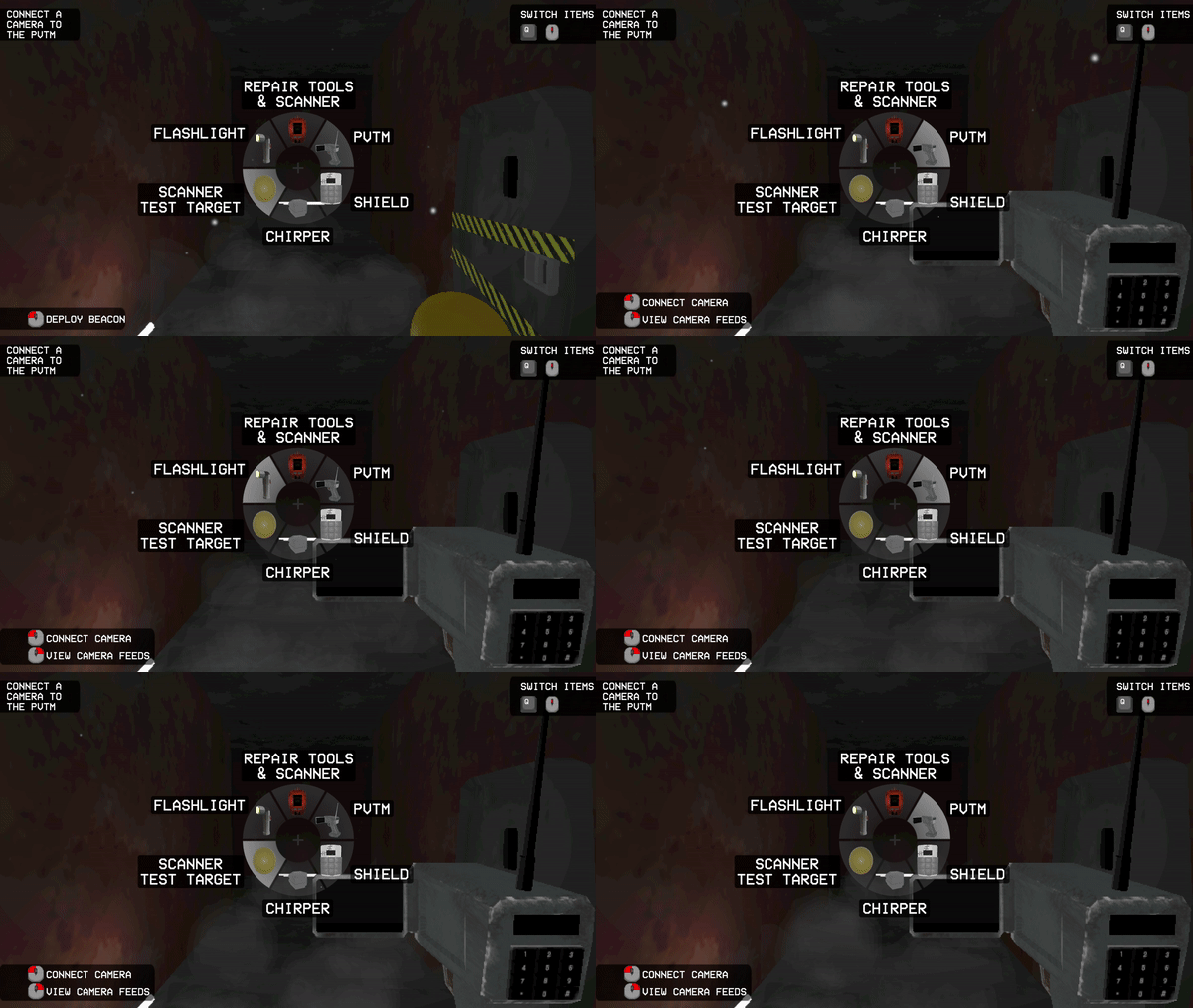
Item Wheel
Allows the player to track what they have, and choose each item.
HUD
Little animations and fixing to have consistent styling
Assorted Extra Vines
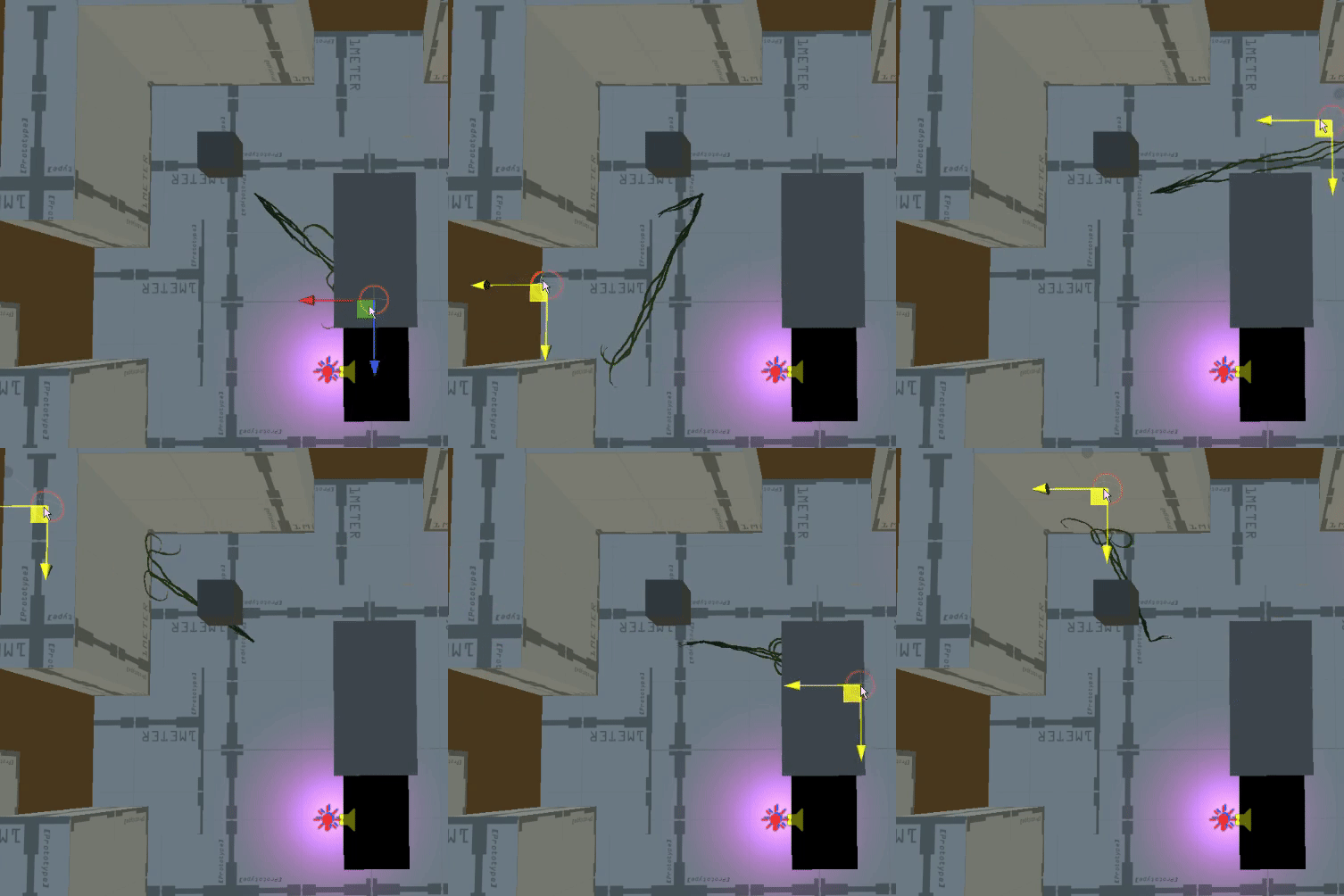
Seeker Vines
Raycast based vines that spawn near and seek out the player, used to enforce player movement.
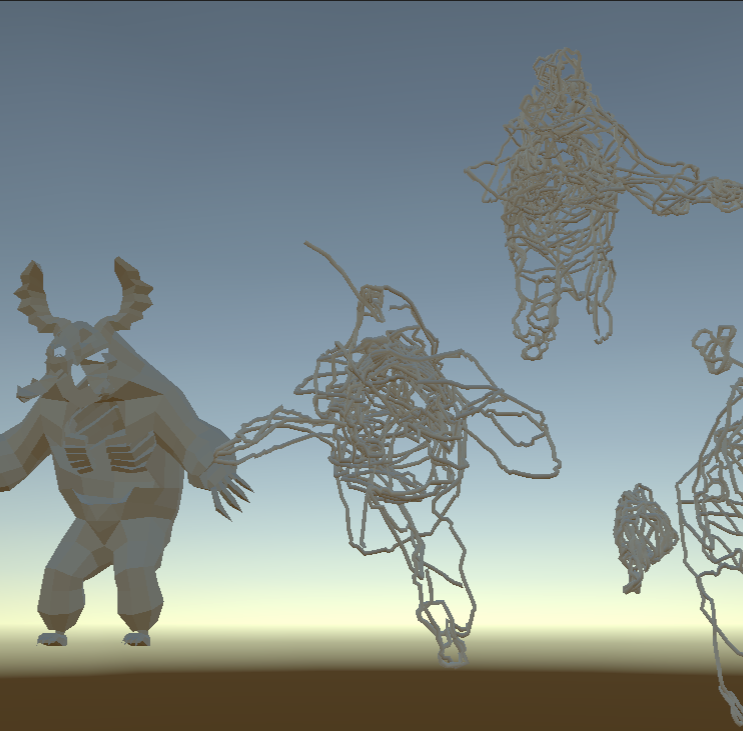
Growing Vines on Splitjaw
We couldn't get procedurally generated vines to attach themselves to the splitjaw's rig at runtime. Instead I generated some vines on his mesh and sent them to our modeler to attach.
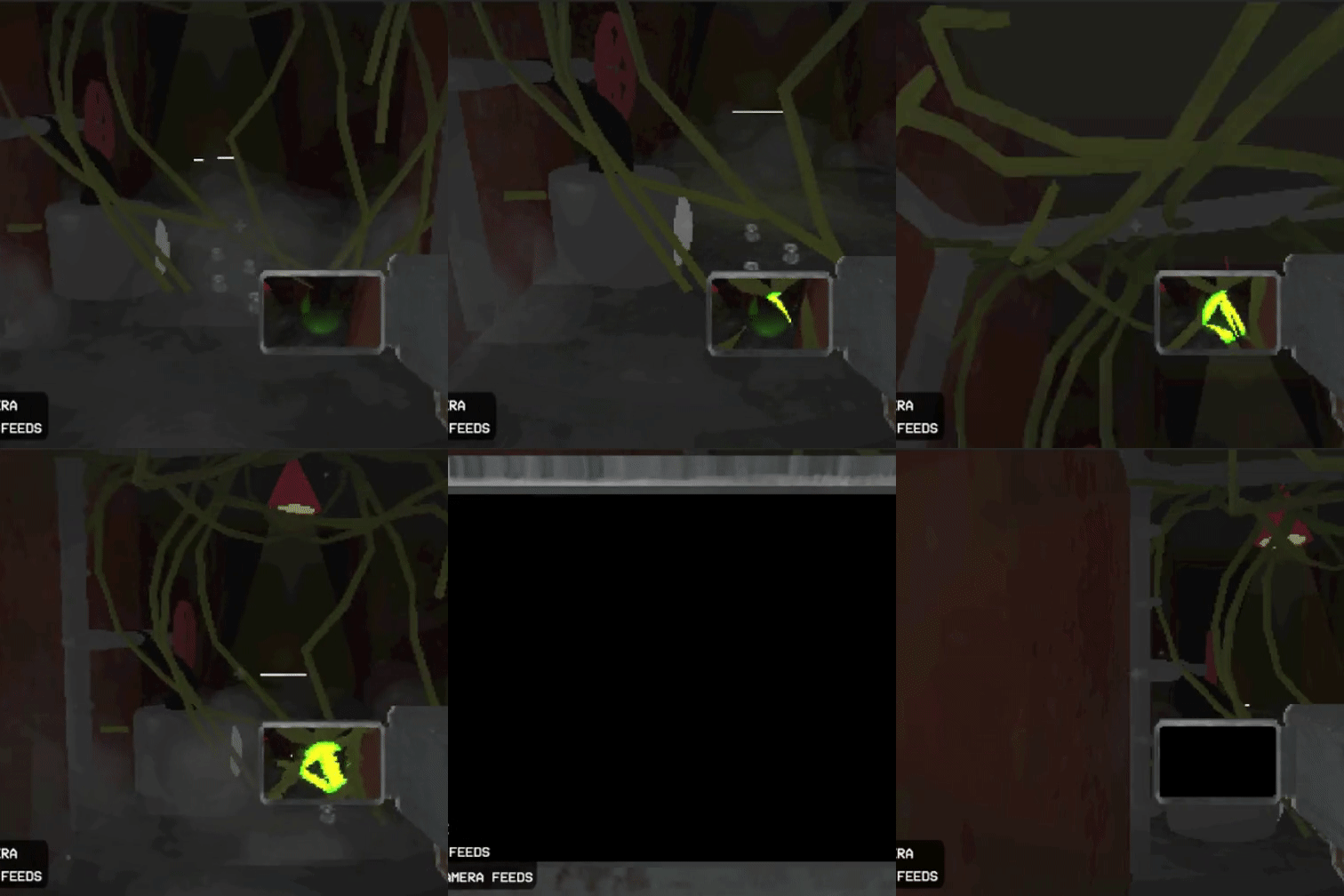
Camera Vines
Growing vines on the camera before it gets disconnected.
Wriggling
I added some wriggle to the vine shader, making them feel much more alive.